
SUNLU FilaDryer S2 review: useful for one spool, with feed-path caveats
At a glance
A compact single-spool option when you can check outlet alignment and confirm the fan-equipped revision.
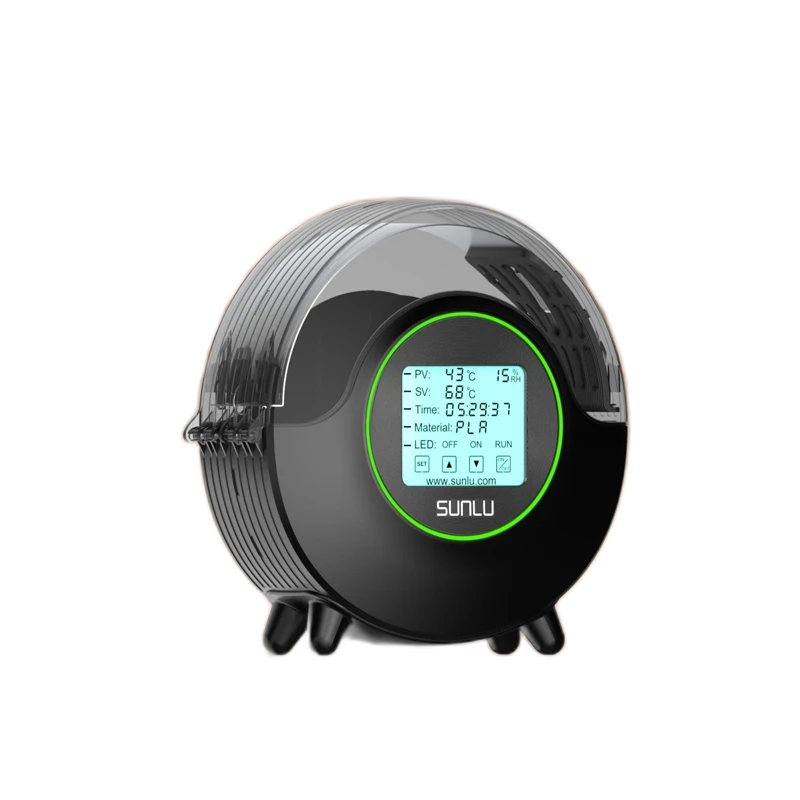
The setup
- One-spool enclosure with a manufacturer-stated fit envelope.
- Adjustable drying temperature and material presets.
- Fan-equipped current configuration with temperature, time and humidity display.
Why consider it
- Owner reports of improved TPU, PLA and PETG printability after drying.
- Small one-spool format for a single active material.
- Readable display and adjustable presets appeal to several owners.
What to weigh up
- Outlet alignment and spool drag can make direct feeding awkward.
- Lightweight enclosure and lid handling need care in tight setups.
- Historical reviews mix fan-equipped and earlier revisions.
There are two sensible ways to use an S2: prepare a roll and move it to the printer, or keep the roll inside while printing. The first asks relatively little of the bench layout. The second depends on whether the outlet and spool can feed your printer without binding.
A compact dryer still needs room for the filament
Trace the outlet route
Before choosing a permanent position, trace the line from the spool through the outlet to the printer. Leave access for loading and avoid a route that pulls the enclosure toward the machine. Customer feedback includes successful feeding as well as outlet friction and enclosure movement, so a small footprint does not settle the fit.
If direct feeding is awkward: the S2 may still suit a preparation-only routine. Decide whether moving the dried roll afterward is acceptable before treating the feed arrangement as a deal-breaker.
What a drying improvement establishes
The supplied experiences include improved printing with troublesome TPU, PLA and PETG. That supports considering a drying step when moisture is a plausible cause. It does not make the S2 a remedy for every stringing problem; use the symptom checks to decide what needs attention.
Check the revision, then the workload
Current S2 documentation describes a circulating fan. Historical feedback includes both fanless units and later fan-equipped units; the supplied export cannot bind every account to a revision. Confirm the offered hardware rather than combining those experiences into one current-model judgment.
One roll at a time fits a printer that repeatedly uses one active material. If several compatible rolls regularly wait for their turn, compare the four-position S4. Whichever format you choose, the material and spool instructions determine the cycle.
Pros & Cons Analysis
Based on supplied customer reviews and verified product documentation
Pros
- A useful preparation step for moisture-sensitive jobs. Drying can improve results when moisture is contributing to a print problem. Use the exact filament’s instructions and reassess persistent defects rather than expecting the S2 to solve every source of stringing or poor extrusion.
- A manageable footprint for one active roll. The single-spool enclosure suits a station that prepares one material at a time without dedicating space to a larger dryer. Check the actual reel dimensions; a compact unit is less convenient when several colors are waiting their turn.
- A readable display for repeat use. The screen makes it easier to check the selected settings during routine preparation. Touch response and menu familiarity are separate considerations, so allow some adjustment time before expecting effortless operation.
Cons
- Direct feeding depends on placement. Outlet friction and pulling can interfere with printing from the dryer. Plan the route to the printer and check free movement with the loaded spool; smooth rollers alone do not ensure a smooth complete feed path.
- The light enclosure needs careful loading. Lid movement or tipping can make spool changes awkward on a crowded shelf. Leave room to support the unit during loading instead of treating aftermarket braces as part of the standard package.
- The hardware revision matters. Earlier and current S2 versions differ in airflow hardware; current manufacturer documentation includes a fan. Confirm the offered revision before comparing its circulation with an older unit.
Give the S2 one clear job
Consider the fan-equipped S2 for preparing one roll at a time. Direct feeding adds a separate placement requirement, so choose the routine before choosing the spot on your bench.
How will the roll reach the printer?
Dry first, then move the roll
This keeps outlet placement out of the print itself. Match the cycle to the exact filament and spool, then move the prepared roll into the intended printing or storage arrangement.
Keep the roll inside while printing
Check outlet alignment and whether the line pulls the enclosure. If the available position creates tension, the compact footprint alone is not enough reason to buy.
Confirm the offered revision: older fanless feedback does not describe every current unit. For rolls waiting in a queue, compare a multi-spool format.
Frequently Asked Questions
Does a low S2 humidity reading prove the filament is ready?
No. The display is not a direct measurement of water inside the polymer. Follow the exact filament’s drying instructions, then compare print behavior; do not stop solely because the chamber reading looks low.
Technical Specifications
| Product type | Standalone filament dryer |
|---|---|
| Reviewed configuration | S2 with circulating fan; historical owner revisions separated |
| Drying capacity | Single spool within the stated fit envelope |
| Heat control | 35–70°C setpoint range |
| Printing from the dryer | Supported; check the actual filament route |
| Humidity behavior | Humidity display; automatic RH-triggered cycling not verified |
| Fit and measurement basis | Maximum φ210 × 85 mm, as specified by SUNLU |
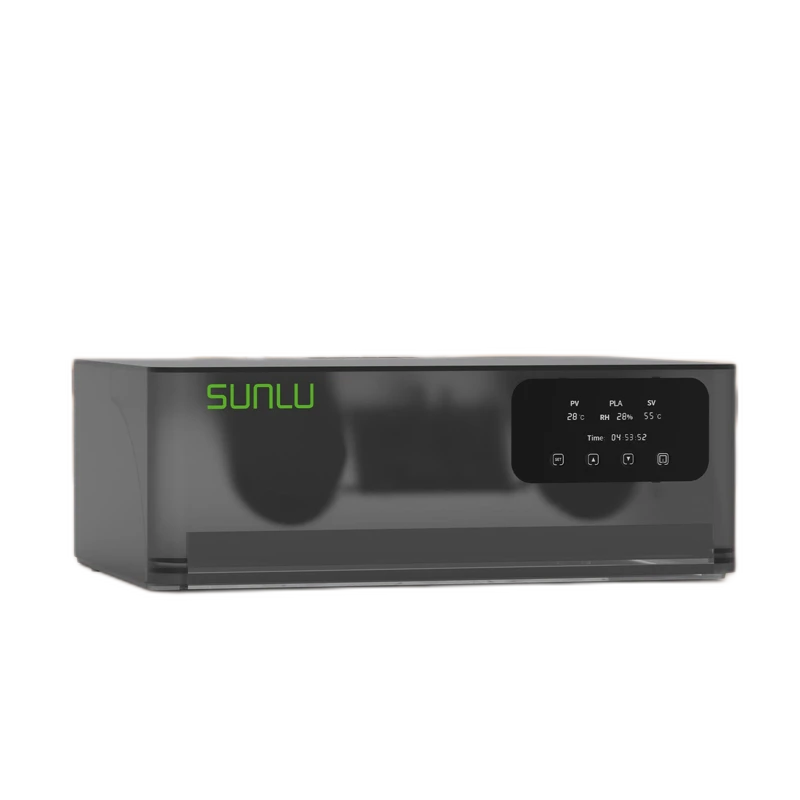
SUNLU AMS Heater
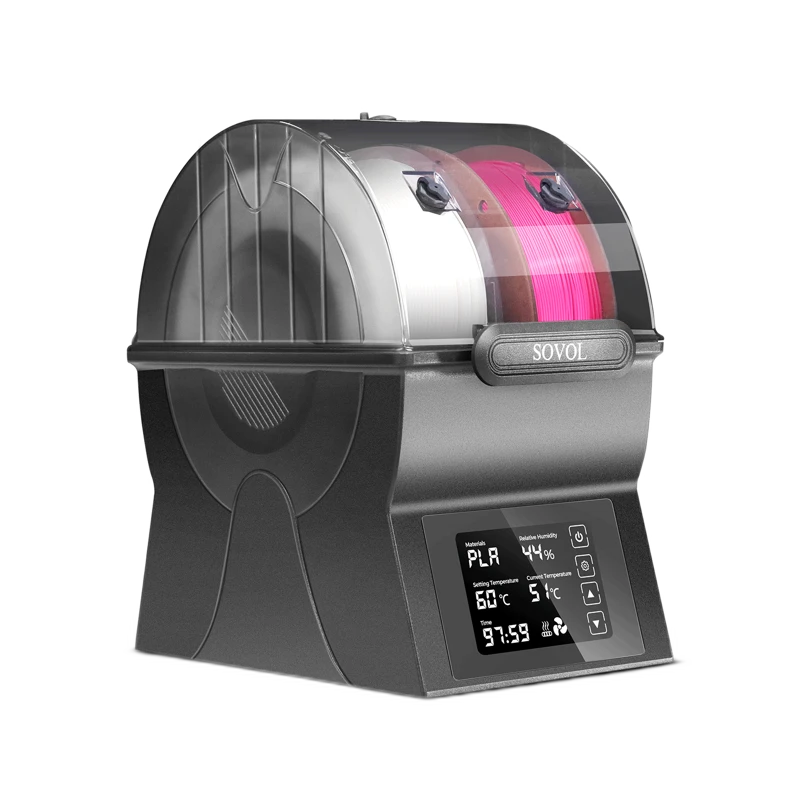
Sovol SH02
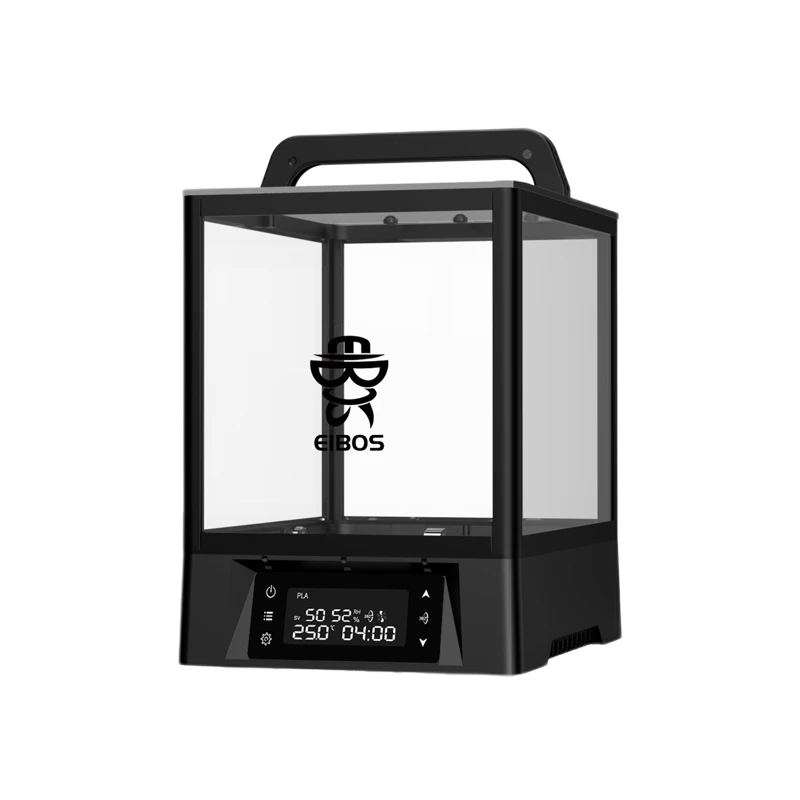
EIBOS Polyphemus
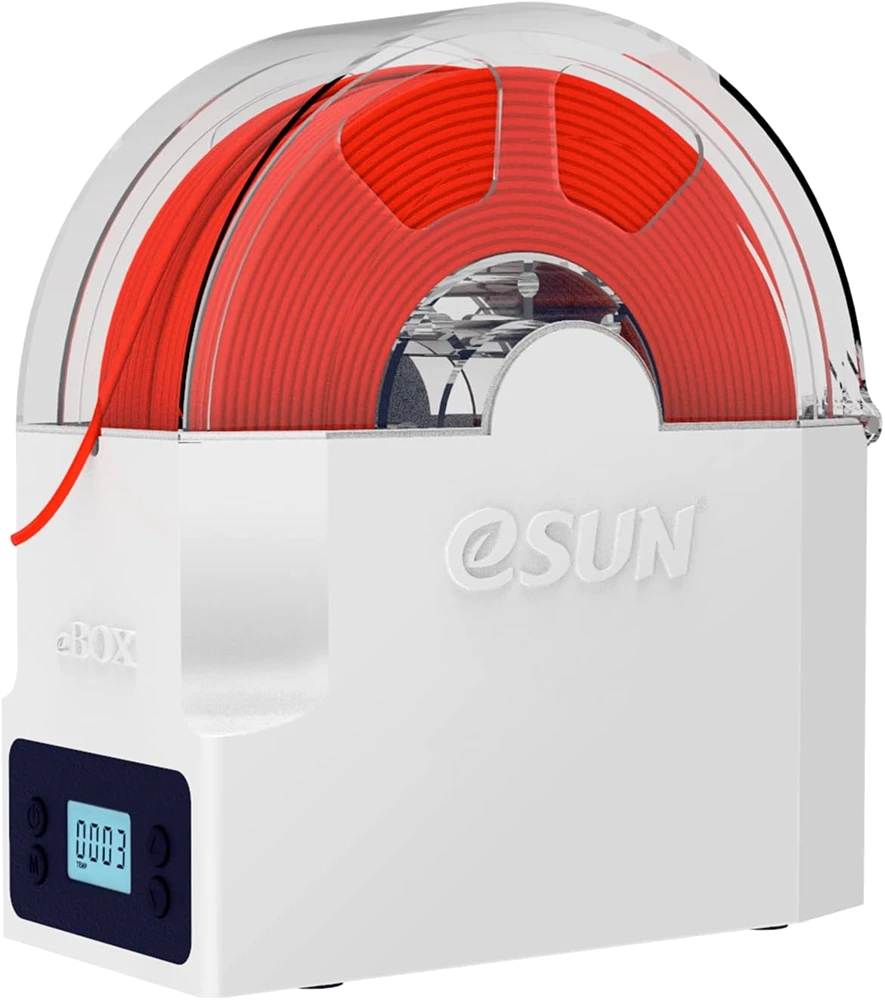
eSUN eBOX Lite