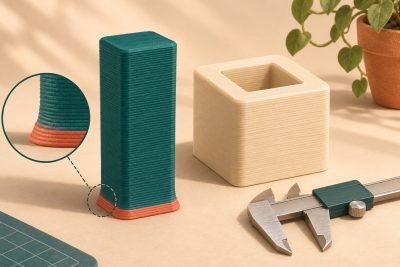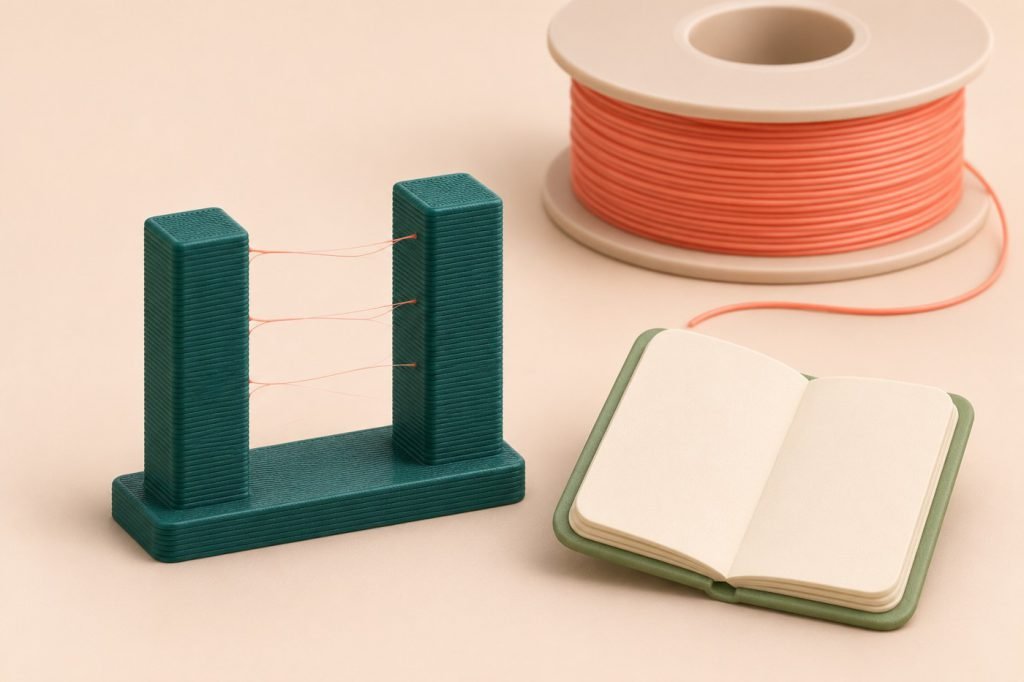
Fine threads between printed features usually point to material escaping during travel moves. They do not identify one universal cause. Before increasing retraction, check the selected profile, the nozzle’s condition and the material’s preparation, then change one setting at a time.
Keep a photograph and the original project file. A cleaner second print is useful only if you know what changed—and whether the new settings introduced missing material elsewhere.
Separate strings from a larger extrusion problem
- Thin webs across open gaps: this guide’s main symptom.
- Material collected on the outside of the nozzle: inspect and clean through the printer maker’s maintenance procedure before interpreting a calibration print.
- Clicking, grinding or missing sections: investigate the feed or extrusion fault rather than continuing to increase retraction.
- A sudden change after hotend work: check the documented assembly and the correct hardware profile.
Prusa’s stringing guidance identifies temperature, retraction, material condition, nozzle residue and hardware changes as relevant checks. It also gives different retraction guidance for different extruder arrangements. That is a reason to use your printer’s starting profile, not copy a stranger’s distance.
A controlled sequence for the next small print
- Restore a known starting point. Select the actual printer, nozzle and material profile. Save a separate copy before making changes.
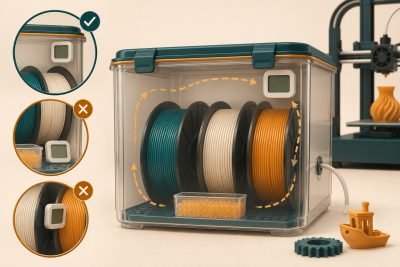
- Check the spool and nozzle. If moisture is plausible, follow the exact material’s drying instructions and return it to suitable storage. Clean residue using the documented nozzle-maintenance procedure.
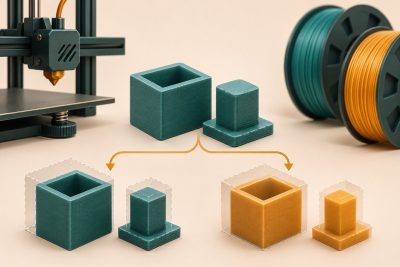
- Print a short, relevant test. Include the travel gaps causing trouble. Keep the same model and orientation for the next comparison.
- Evaluate temperature within the documented range. Do not keep lowering it solely to remove hairs if extrusion or layer bonding deteriorates.
- Tune retraction within the hardware guidance. Change one parameter, record it and inspect both the gap and the point where extrusion resumes.
- Confirm on the real geometry. A tiny test is a screening step; check the features and travel moves that matter on the actual part.
BCN3D’s explanation also connects travel-time oozing with fine strands and notes that poorly conditioned hygroscopic materials can contribute. Drying addresses material condition; it does not repair an incorrectly selected printer profile or a hotend assembly problem.
How should I record a test?
Keep the spool identity, preparation, printer/nozzle profile, one changed parameter and a photograph under the same lighting. Add two observations: whether the strings improved and whether restarting extrusion remained clean. Retain the previous settings so an unhelpful change can be reversed.
Do not trade hairs for a different defect
| After a change | Next decision |
|---|---|
| Fewer strings, clean restart | Confirm on the intended geometry before saving the profile. |
| Fewer strings, gaps appear | Revert and inspect the tradeoff. The print is not improved merely because the webbing is gone. |
| No clear change | Return to the baseline and investigate the next plausible cause. |
| Feed becomes unreliable | Stop tuning and follow the printer’s extrusion troubleshooting. |
For a spool with additional signs of moisture, the wet-filament symptom guide helps separate that possibility from unrelated defects. Use the relevant material-specific drying guidance rather than applying extra heat repeatedly without a reason.
Keep the smallest change that improves the whole print
Save the result only when the strings are reduced and the resumed extrusion and required surfaces remain acceptable. If small changes never produce a stable result, preserve your baseline file and observations for support. A long list of altered settings makes the next diagnosis harder.