
Creality SpacePi X4L Review: Four Loaded Spools Without the Side-Rack Sprawl
At a glance
The SpacePi X4L makes sense as a four-spool drying and feeding station when printer-side space is tight, provided its outlet positions and 75 °C ceiling fit your setup.

The setup
- Four-spool standalone dryer
- Two independently heated chambers
- X4L maximum: 75 °C
Why consider it
- Can replace space-consuming side-mounted spool arrangements.
- Useful four-spool drying and direct-feeding workflow.
What to weigh up
- Outlet positions may not suit the preferred tube route.
- An out-of-box E2 fault appears in contrary feedback.
- 75 °C ceiling limits some drying recipes.
Plan the route from box to printer first
The most useful X4L feedback describes replacing side-mounted spools with a separate box and running PTFE tubes to the printer’s feeders. That can tidy a crowded station and keep the route enclosed, but it does not automate color changes.
A station that stays loaded
Positive feedback includes regular multi-spool use and feeding directly from the box. It suits frequently used rolls better than a setup that must be dismantled for every print.
Outlet placement matters
A successful installation still wished for rear-facing outlets. Check the tube path, bend clearance and lid access before choosing where the dryer will live.
X4L is not the full X4
The L model’s specified ceiling is 75 °C, with independently controlled chambers. Do not buy it expecting the full X4’s higher ceiling. Match the drying instructions for the filament and the spool; longer time is not automatically an adequate substitute for a required higher temperature.
Check operation before building the station around it
- Confirm that both chambers start and the controls behave as the supplied manual describes.
- If an error prevents operation, stop and use the documented support or return route.
- Test the intended filament path with the lid closed.
Most matched comments describe successful use, but an out-of-box E2 fault prevented another unit from running. That is a reason to test promptly, not evidence of a known fault rate.
Pros & Cons Analysis
Based on supplied customer reviews and verified product documentation
Pros
- The footprint can reorganize the printer station. A Snapmaker U1 setup moved rolls away from the printer sides and fed through PTFE. The benefit is a workable station layout; color changes remained manual.
- Several loaded colors can stay ready for use. Multi-spool PLA/PETG feedback and repeated weekly use support the practical capacity benefit. They do not measure remaining moisture inside every roll.
Cons
- Positioning is not completely flexible. Even a positive installation wanted different outlet placement. Allow for the actual tube direction and loading clearance rather than comparing box dimensions alone.
- Startup faults can stop the workflow entirely. The E2 account describes a unit that would not operate. No diagnosis was verified, so do not bypass the error or assume a specific repair.
- The L designation matters. A four-spool capacity does not make this the higher-temperature X4. Use it only where its documented range meets the material and spool requirements.
Choose it around the station you want to build
The X4L is a useful candidate for four frequently used rolls when it improves the tube routing and fits the required drying temperatures. Test startup before committing the bench layout.
My rolls currently hang on the printer sides
Sketch the new tube route and check outlet direction, lid opening and feeder access. Keep manual color changes in the workflow unless your printer handles them separately.
My filament needs more than 75 °C
Choose a dryer that meets the material instructions instead of assuming extra time will compensate.
Frequently Asked Questions
Does the X4L change colors automatically?
No. It is a dryer and feeding station. Any automatic material changes depend on separate compatible printer hardware.
Does X4L reach 85 °C?
The X4L-specific parameters state 75 °C maximum. The full X4 is a different model.
Technical Specifications
| Product type | Standalone filament dryer |
|---|---|
| Reviewed configuration | Creality SpacePi X4L, not X4 |
| Drying capacity | Four spool positions across two chambers |
| Heat control | Manufacturer: 45–75 °C; independent chambers; timer: Manufacturer: 1–48 hours |
| Printing from the dryer | Supported; verify outlet route to the printer |
| Humidity behavior | Chamber humidity readings do not directly measure water inside filament; no independently verified humidity accuracy |
| Fit and measurement basis | Manufacturer maximum diameter 200 mm, width 150 mm; configuration matters; US 100–120 V, 50/60 Hz; 340 W; 382 × 290 × 270 mm |
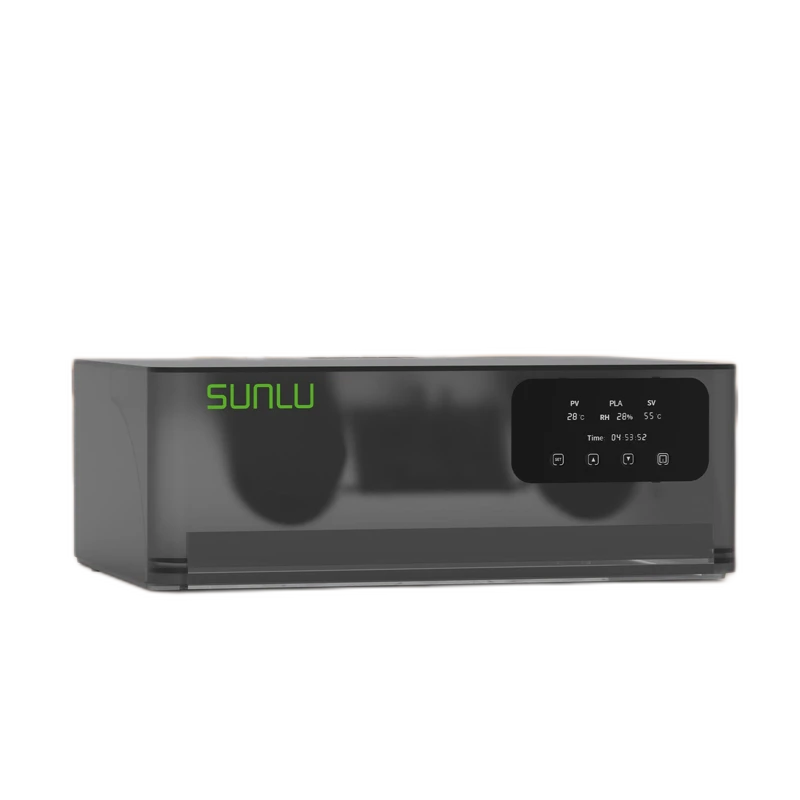
SUNLU AMS Heater
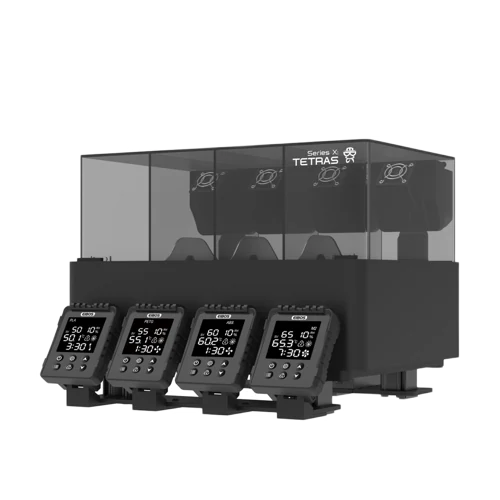
EIBOS Tetras

EIBOS Dyas
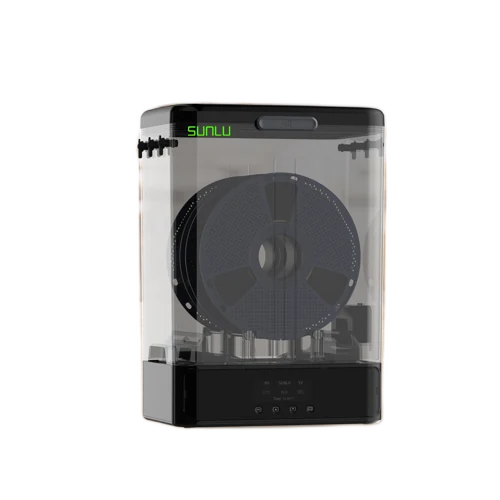
SUNLU SP2