
EIBOS Dyas review: less spool shuffling for an existing AMS
At a glance
A two-zone drying upgrade for an existing compatible AMS, with useful workflow gains but installation and controls to learn.

The setup
- AMS drying accessory; feeder not included.
- Two chambers and four host spool positions.
- Manufacturer US input: 120V, 60Hz; rated whole-unit power 120W.
Why consider it
- Can remove repeated transfers between an AMS and separate dryer.
- Two zones suit two compatible material groups.
- Well-integrated lid and finished appearance receive positive feedback.
What to weigh up
- Requires an existing compatible AMS and package checks.
- Assembly and mode controls can take time to learn.
- Spool heat tolerance and the 65°C limit restrict some routines.
Dyas is an upgrade to an existing feeder, not a complete AMS. Its strongest buying case is avoiding the repeated move from AMS to separate dryer and back. The matched feedback includes first-generation AMS users who value keeping frequently used spools in place.
Two chambers, four spools—not four independent recipes
Dyas divides the four spool positions into two heated zones. That suits pairs of materials that share an appropriate drying routine. If every loaded spool needs a different treatment, the four-zone Tetras is a different configuration to evaluate.
Your usual load
One or two compatible material groups
What to consider: Dyas may provide the separation you need without four independent zones.
Four very different drying requirements
What to consider: Group compatible spools or investigate a different layout.
Heat-sensitive printed spools
What to consider: Check the spool limit as well as the filament setting.
The upgrade is worthwhile when it removes a repeated chore
Less shuffling and less disruption to the loaded AMS are the meaningful benefits. Improved print appearance also appears in a PLA comparison, but the captured results do not establish drying uniformity or a universal improvement for already dry material.
Low displayed humidity is encouraging operational feedback, not a measurement of the water remaining inside each spool. Use the relevant material instructions and the resulting print behavior rather than declaring a roll dry from a display alone.
Installation and everyday controls are separate hurdles
- Assembly: experiences range from straightforward to an initially time-consuming installation with unclear instructions. Leave access around the feeder and use the exact installation guide.
- Mode changes: a specific criticism concerns icons and switching between operating modes. A setup you adjust infrequently may be harder to remember than one used daily.
- The completed unit: positive feedback describes a well-integrated appearance and a sturdy, smooth-opening lid.
What must I already own?
A compatible Bambu AMS is required. Check the current package contents, power connection and any adapter or switching hardware for your installation. The dryer listing is not a substitute for purchasing the feeder itself.
Check compatibility by generation
Early EIBOS guidance covers first-generation AMS. Its current download page also supplies AMS 2 Pro adapter information. That does not make every package a direct fit for both generations: match the hardware and installation document before ordering.
Keep the maximum drying temperature in view too. The documented 65°C ceiling does not cover every material’s recovery-drying requirements. A convenient location beside the printer cannot replace a higher-temperature process where the filament calls for one.
Pros & Cons Analysis
Based on supplied customer reviews and verified product documentation
Pros
- The benefit repeats every time a spool stays loaded. First-generation AMS feedback describes less unloading and dryer rotation. This is most persuasive for frequently used materials, not a reason to upgrade a feeder that already meets the workflow.
- Heat only the group being used. Separate zones can serve casual single- or dual-material printing. The configuration offers control flexibility; the customer comments do not quantify electricity savings.
- The lid can feel like a coherent upgrade. Sturdy construction and damped opening are described positively after assembly. Check the available overhead space so that benefit remains practical at the printer.
Cons
- The offer is an accessory. A mistaken purchase expecting a complete AMS illustrates the package risk. Confirm the feeder, electrical arrangement and required extras before comparing total cost.
- Setup success does not mean intuitive controls. Vague assembly guidance and confusing mode icons appear alongside easier experiences. Allow time for the first installation and keep the mode guide accessible.
- Material and spool limits both apply. A printed-PLA-spool deformation report makes mixed loads worth checking. The documented temperature ceiling also means some wet engineering materials need another drying process.
Choose Dyas to remove a recurring transfer
Dyas is a strong workflow candidate for an existing compatible AMS that repeatedly sends spools to a separate dryer. It is less compelling if you need a new feeder or a higher drying temperature.
My AMS stays loaded with two material groups
Check that each pair can share its zone’s settings, including the spool temperature limits. Then verify the exact installation kit.
I change four different materials constantly
Compare zone independence and total installed cost before choosing. Four spool positions do not mean four independent drying settings.
Frequently Asked Questions
Does Dyas include an AMS?
No. It is a drying upgrade for a compatible existing AMS. Check the exact package and installation accessories.
Can every spool have its own temperature?
No. Dyas has two drying zones for four spool positions. Tetras is the separate four-zone configuration.
Technical Specifications
| Product type | AMS heater accessory |
|---|---|
| Reviewed configuration | EIBOS Series X Dyas, two chambers; not four-chamber Tetras |
| Host feeder compatibility | First-generation Bambu AMS; AMS 2 Pro requires exact adapter and installation verification |
| Host spool positions | Four positions across two drying chambers |
| Heat control | 20–65°C manufacturer range; two independent zones |
| Printing while installed | Manufacturer supports drying during printing on the compatible host |
| Humidity behavior | Automatic maintenance and sealing described; display is not a spool-moisture measurement |
| Loaded-material compatibility | Manufacturer maximum spool size Ø205 × 68 mm; both filament and spool must tolerate the selected setting |
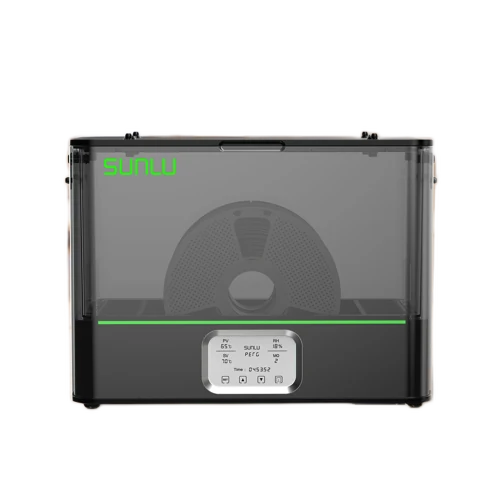
SUNLU FilaDryer E2
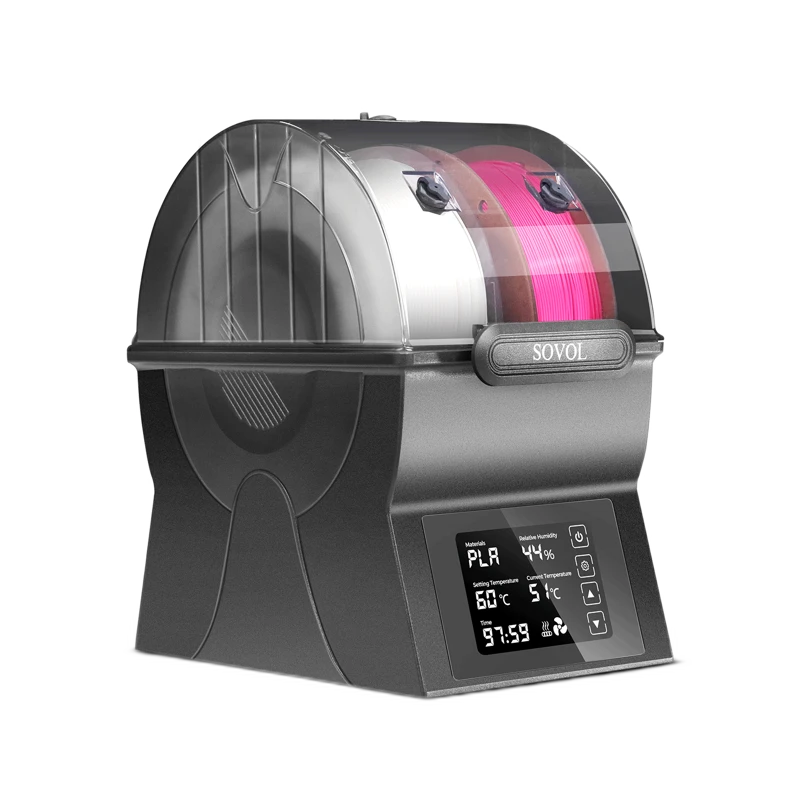
Sovol SH02
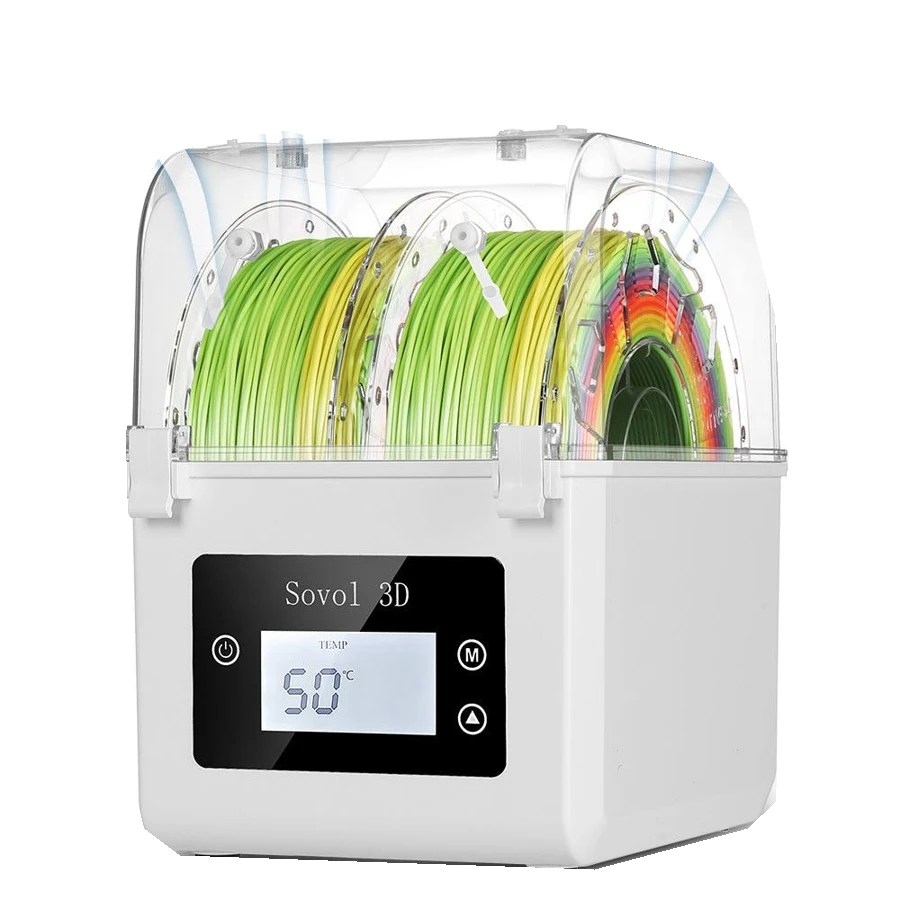
Sovol SH01
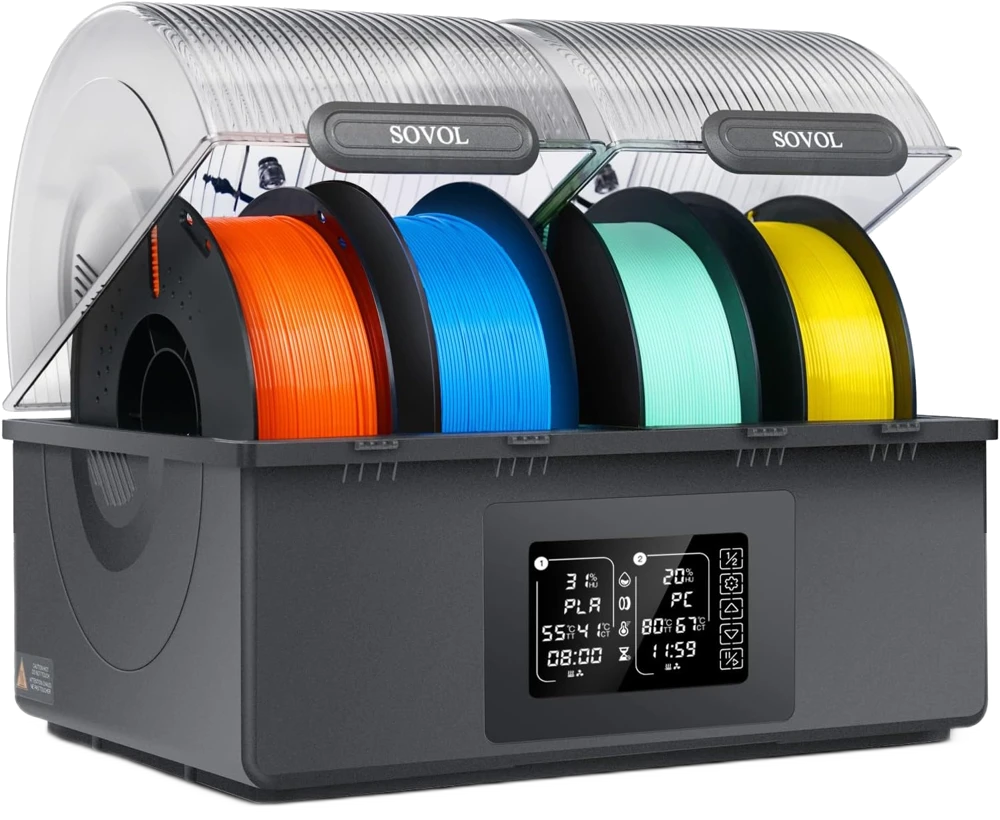
Sovol SH03