
Creality Dry Box 2.0 review: better as a drying station than a guaranteed feed path
At a glance
A compact one-spool dryer with useful PETG and TPU results, but awkward controls and a feed route worth checking.

The setup
- Fan-assisted heating with manual temperature and timer selection.
- One-spool enclosure with rear filament outlet.
- Front temperature, time and humidity display.
Why consider it
- Can improve moisture-affected PETG and TPU prints.
- Compact enough for a crowded printing bench.
- Direct feeding can work with a suitable route.
What to weigh up
- Single-knob adjustments can be frustrating.
- The rear outlet can add feeding resistance.
- Display failures and mixed support outcomes deserve attention.
- Fan noise is not uniformly unobtrusive.
The Creality Dry Box 2.0 makes more sense as a compact station for preparing one spool than as a guaranteed friction-free extension of your printer. The strongest case for it is improved PETG and TPU printing after drying. The reservations concern the parts you interact with every day: the single dial, rear filament outlet and, in some accounts, the display electronics.
For a spool you can dry and then move to the printer, those compromises may be tolerable. If the box must feed a long flexible-filament job without intervention, the outlet deserves more attention than the headline heating temperature.
Start with the route from the box to your extruder
The outlet sits toward the back while the display and adjustment knob face forward. That arrangement can work beside a printer with a suitable inlet, but it can force an awkward turn when the extruder expects filament from above. A tidy position on the desk is not necessarily a good feeding position.
Your intended routine
Dry a roll, then move it to the printer
What matters here: The outlet geometry matters less. Allow for protected storage between drying and printing.
Print directly from the heated box
What matters here: Check that the reel turns freely and the route does not add drag or a sharp bend.
Feed soft TPU during a long print
What matters here: Qualify the complete path with that material. Successful drying does not prove successful feeding.
Both outcomes appear in customer experience: direct printing that works well, and setups where the rubber outlet or route resists the extruder enough that the spool is removed instead. Some installations use PTFE guidance successfully. Treat that as a reason to check the approved routing and included accessories, rather than an assumption that every package contains the same tubing.
Useful recovery of print quality, with a temperature ceiling
The favorable evidence is more specific than a warm enclosure. PETG accounts describe less stringing and better prints; TPU accounts describe reduced crackling, holes and wasted material. These are practical reasons to consider the box when an otherwise familiar spool starts behaving differently.
They do not establish a universal drying duration or make this a cure for every printing defect. A material profile, extrusion problem or first-layer issue can still need attention after drying. Keep the comparison simple: use the same spool and a familiar model, with the filament maker’s recommended treatment.
The manufacturer manual specifies 45–65°C control, a 0–24-hour timer and a nominal one-kilogram spool application. That ceiling is an important purchase boundary. A list mentioning nylon or polycarbonate does not mean every formulation’s required drying cycle fits. Compare the exact filament and spool instructions before buying for engineering materials. Creality’s DB-02 manual provides the original equipment limits.
The humidity number is not a finish line
A recurring observation is a display that reaches or remains at 15%. It is tempting to treat that as proof that the spool has reached a particular moisture content. The display cannot establish that conclusion: chamber air humidity and water inside the filament are different quantities. The humidity-reading checks help distinguish a chamber observation from a drying decision.
- Complete the material’s appropriate drying cycle rather than stopping solely because the humidity number falls.
- Check the resulting print behavior, not just the display.
- Do not interpret a fixed low reading as proof that the electronics are healthy—or as proof of a fault by itself.
This distinction matters because genuine display and control failures also appear in the evidence. A low humidity reading alone is different from scrambled digits, an unreadable temperature or controls that no longer accept a setting.
A small box with controls that demand patience
The compact enclosure and readable front display suit a crowded printing bench. Some users find the single-knob operation straightforward, and the integrated power arrangement can simplify placement. Others find rotating and pressing the same control frustrating: changing one setting can disturb another, and a slow or inconsistent response makes a routine adjustment take longer than expected.
That is a more consequential drawback if you frequently switch between materials than if you repeat one established cycle. Before accepting a unit into your routine, verify that the selected temperature and timer remain what you intended after pressing the control.
Noise is similarly mixed. Quiet operation is described alongside fan whine and louder running. There is no comparable sound measurement here, so neither “silent” nor a fixed noise ranking is justified. Placement in a shared office may matter more than placement beside an already noisy printer.
Display problems change the ownership calculation
The more serious criticism is loss of readable or usable controls after weeks or months. Repair experiences range from a promptly supplied fan to a motherboard replacement that required more effort, and unresolved support complaints. These accounts do not establish how often a new unit fails, but they do make seller support and a practical return route relevant to the purchase.
Do not continue a heating cycle when the temperature display or controls are malfunctioning. The manual directs users to disconnect a faulty unit and contact support. A corrupted reading is not a reliable measurement of an actual temperature overshoot; it is still a reason to stop relying on the machine.
Also check the spool’s heat limit. A successful filament drying setting does not guarantee that every reel will retain its shape. One positive account still describes a warped spool, while another reports an unexpected restart and damaged PLA. Those reports justify careful setup and following shutdown instructions, without establishing a universal defect or prescribing an improvised repair.
Pros & Cons Analysis
Based on supplied customer reviews and verified product documentation
Pros
- A useful recovery step for a troublesome spool. Better PETG surfaces and fewer TPU defects support trying a proper drying cycle before abandoning material. Those results concern specific setups; they do not make drying the answer to every extrusion or adhesion problem.
- Less bench space committed to one roll. Compact placement is a concrete advantage beside hobby printers. The visible front display is convenient when the machine is healthy, but leave room for the lid and the filament route as well as the base.
- Drying and feeding can share one position. Successful print-through setups reduce spool transfers. Qualify the actual reel, outlet and extruder path first, because contrary accounts describe enough drag to require removing the roll.
Cons
- Adjusting a cycle can take more attention than it should. Rotating and pressing one knob leads to accidental changes or slow response in some use. Straightforward operation is also reported; check that your final timer and temperature remain correctly selected.
- The outlet favors some layouts over others. The angled rear exit can be inconvenient for a top-fed printer and soft material. Reliable heating does not cancel a mechanical feed problem, so assess both before starting a long job.
- Loss of usable controls is a material ownership risk. Scrambled or failed displays have ended otherwise successful use. Replacement parts have helped in some cases, while other support outcomes remain unsatisfactory. This is a reason to check the seller and return route, not a quantified failure rate.
- Placement affects how tolerable the fan is. Quiet reports coexist with whine and louder operation. Without comparable measurements, shared-office suitability should remain a practical check rather than a silent-operation promise.
Choose it for the spool you can prepare separately
Its clearest job is preparing one compatible roll in limited bench space. The purchase becomes less convincing when effortless controls or guaranteed print-through feeding are essential.
I can dry first and move the spool
This avoids the main routing compromise. Confirm the temperature range fits your material and that the controls work reliably during the return period.
The dryer must feed every long print
Map the rear outlet to your extruder before choosing. If the route bends sharply or adds drag, look for an arrangement designed around that feeding position.
Frequently Asked Questions
Can I use it while printing?
The outlet allows it, and successful setups exist. Check that your spool and filament path feed freely; some users instead dry first and move the roll to the printer.
Does 15% on the display mean the filament is dry?
No. It is a chamber-air reading, not the water content of the filament. Use the material instructions and the resulting print behavior to judge the process.
What if the display shows scrambled numbers?
Stop using the heater, disconnect it and contact support. Do not rely on unreadable controls to manage a drying cycle.
Technical Specifications
| Product type | Standalone filament dryer |
|---|---|
| Reviewed configuration | Creality Filament Dry Box 2.0, DB-02; listing also uses Pro |
| Drying capacity | Manufacturer application: one 1 kg filament spool |
| Heat control | 45–65°C; manual states ±5°C; 0–24 h timer; 145 W rated power |
| Printing from the dryer | Rear filament outlet; check routing and reel rotation for your printer |
| Humidity behavior | Chamber humidity display; not a filament moisture measurement |
| Fit and measurement basis | Exact maximum spool diameter/width not verified; 1 kg is a nominal application, not a dimensional guarantee |
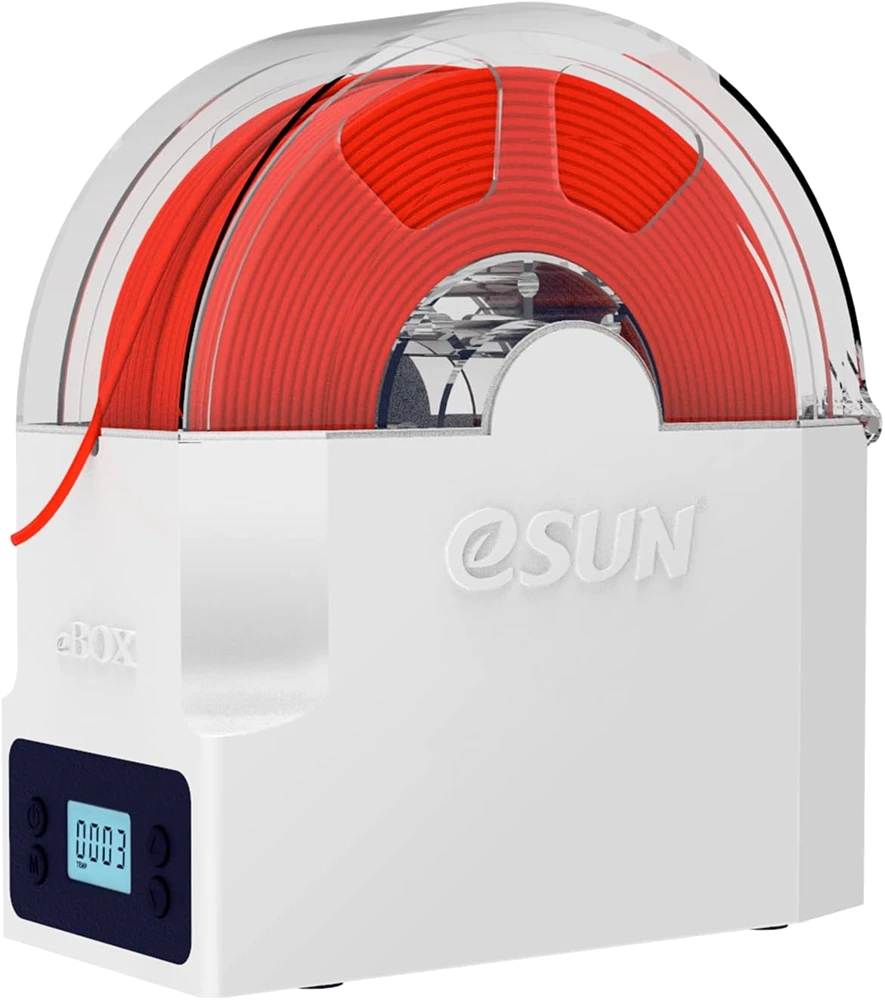
eSUN eBOX Lite
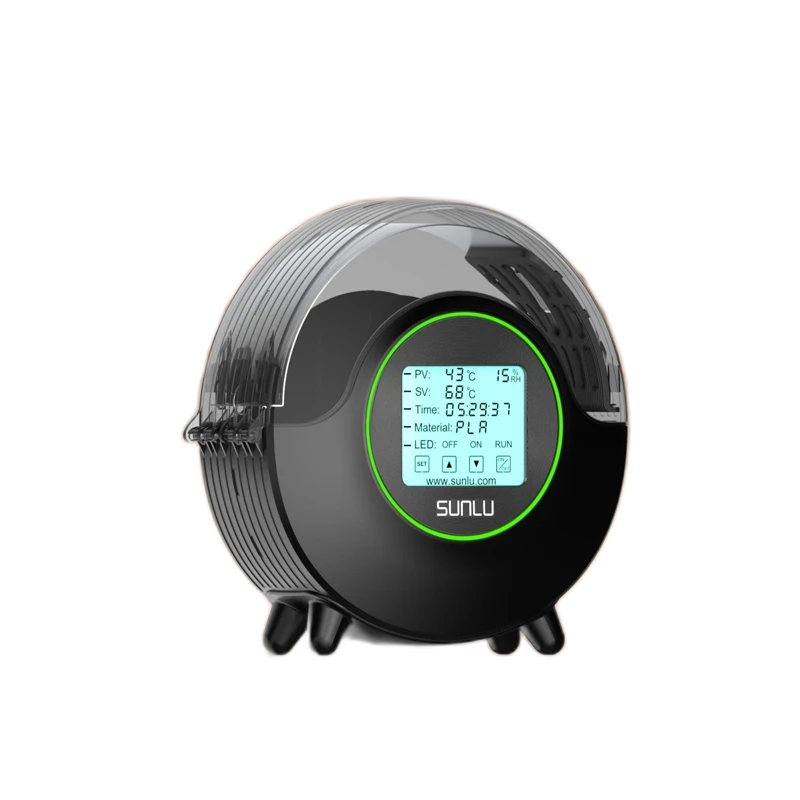
SUNLU FilaDryer S2
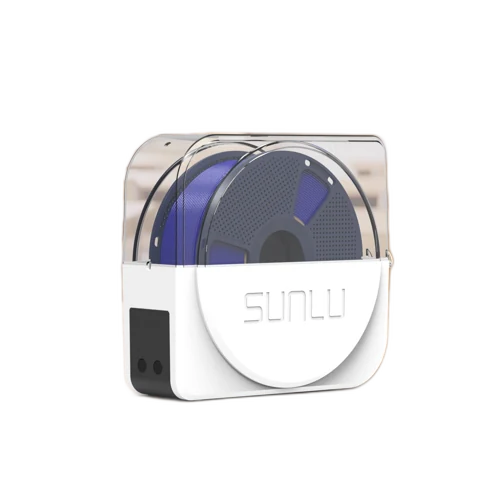
SUNLU S1 Plus
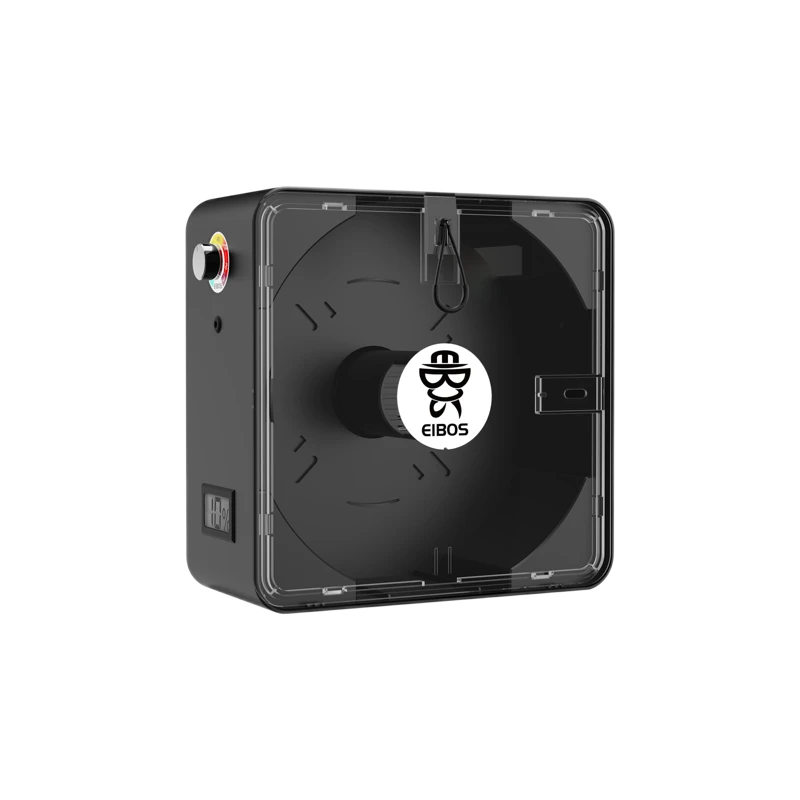
EIBOS Series X Easdry