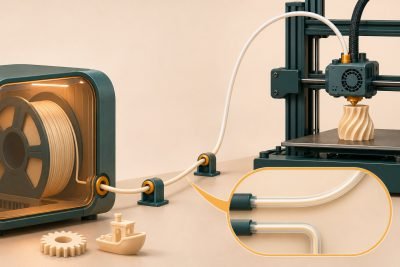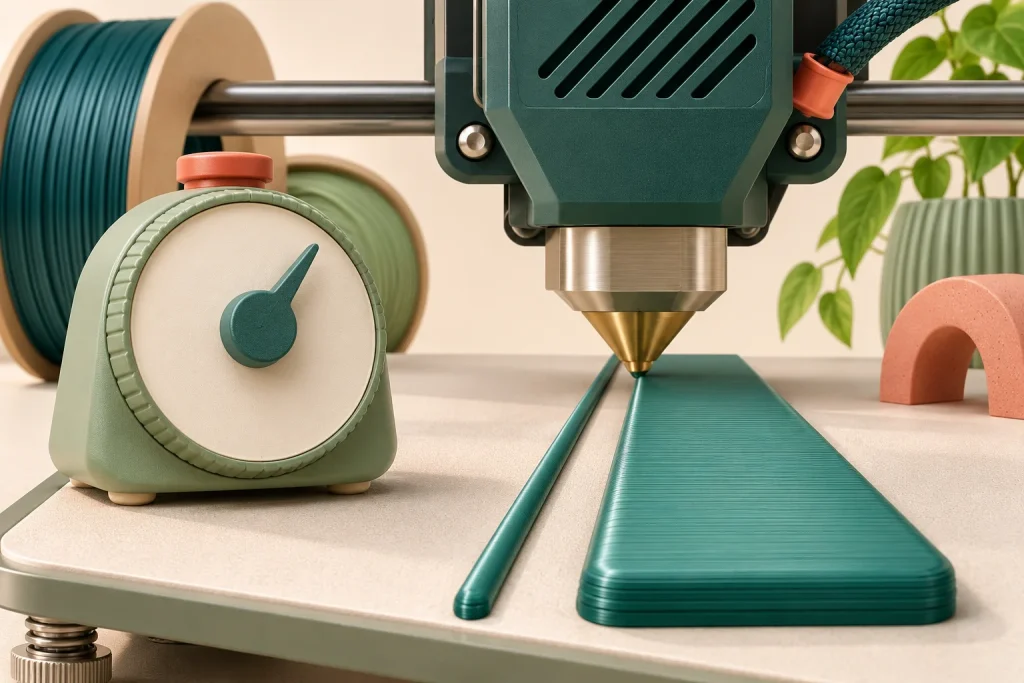
High-speed PLA is worth considering when material throughput is holding back a print that your machine can otherwise make well. It is less compelling when cooling, short movements or a deliberately slow outer wall already determines the job time. Check the sliced job before treating a new spool as a speed upgrade.
Read the flow demand behind the speed label
Travel speed in mm/s and extrusion throughput in mm³/s describe different things. A wide, tall extrusion needs more plastic per second than a narrow, thin one at the same movement speed. PrusaSlicer’s maximum volumetric speed documentation explains how its flow limit reduces extrusion speed and how cooling can impose another limit.
| Nominal track | Movement | Approximate demand |
|---|---|---|
| 0.45 mm wide × 0.20 mm high | 100 mm/s | 9 mm³/s |
| The same track | 200 mm/s | 18 mm³/s |
| 0.60 mm wide × 0.30 mm high | 100 mm/s | 18 mm³/s |
These examples use width × height × speed as a simple rectangular estimate. Real slicers can model the bead differently; PrusaSlicer uses a rounded, stadium-shaped cross-section. Read the slicer’s own flow preview for the actual job.
What a useful high-speed claim includes
Polymaker’s PolySonic PLA documentation gives a 24 mm³/s result at 230°C on a customized Volcano/Hemera XS setup with a 0.4 mm nozzle. It also considers print appearance and retained mechanical properties. That describes the manufacturer’s test conditions; it does not establish 24 mm³/s on a different hotend.
- Material: exact formulation and condition, rather than simply PLA.
- Hardware: hotend, nozzle and extrusion system used for the result.
- Quality: what remained acceptable at that throughput—surface, dimensions or mechanical behavior.
A speed label without those conditions leaves the purchase question unresolved. Equally, an ordinary PLA already producing the required part within its supported profile does not become unsuitable because another spool has a faster label.
A five-minute check before buying
- Slice a representative file with the current, known-good material profile.
- Inspect the regions consuming most of the print time, including cooling-limited small layers and visible walls.
- Compare a supported candidate profile for the same printer and nozzle. Keep geometry, layer height and intended quality comparable.
- Use the estimated time as a screening result, then verify finish and fit on a modest real part before committing a long job.
Do not remove a volumetric limit just to make the preview faster. If a nozzle change is part of the proposal, include compatibility and profile work in the decision. For appearance-led jobs, silk versus matte PLA adds another constraint: the surface you want may call for slower visible walls.
Find the bottleneck, then choose the spool
A useful upgrade reduces the time of your actual job while preserving the result you need.
Which limit appears in the sliced job?
Long extrusion moves are flow-limited
Compare a documented high-flow material profile for the installed hotend. Check finish and fit before accepting the predicted saving.
Cooling or small features dominate
Keep the working material in contention. A higher flow allowance alone does not remove these limits.