
Creality CFS review: easy expansion or a printer-conversion project?
At a glance
Most compelling as a compatible K2 Plus expansion; K1 retrofits need a separate compatibility decision.

The setup
- Four filament positions; up to 16 across four units.
- Automatic filament management with RFID identification.
- Desiccant-based storage integrated with the feed path.
Why consider it
- Expands the number of ready-to-use colors.
- Can reduce spool changes between separate jobs.
- Successful direct expansion is reported on K2 Plus setups.
What to weigh up
- K1 retrofits depend on the exact printer, kit and firmware.
- Retraction and feeding faults can interrupt prints.
- Spool dimensions and filament stiffness restrict compatibility.
The original Creality CFS makes the most sense as an expansion to a compatible printer that already handles its filament changes well. Keeping more colors loaded can reduce repeated spool changes. Retrofitting a K1 is a different proposition: the upgrade kit, printer revision and firmware can matter as much as the box itself.
Two buying decisions hiding behind one product name
Your starting point
A K2 Plus with a working CFS
What the CFS adds: Another four loaded positions, with successful eight-color expansion described in customer experience.
What to settle first: Space, connection routing and whether your projects use the extra positions.
An older K1-series printer
What the CFS adds: A possible route to automatic filament changes through the matching upgrade system.
What to settle first: Exact printer revision, nozzle arrangement, required kit and firmware. Buying the CFS box alone does not complete the conversion.
A printer without confirmed support
What the CFS adds: No established upgrade benefit.
What to settle first: Obtain explicit compatibility for that machine before buying. A generic multicolor accessory description is insufficient.
The clearest positive use case is expansion. Going from four loaded rolls to eight can reduce repeated unloading between jobs as well as allow more colors within a print. It is useful even when individual jobs stay single-color. But more loaded rolls do not make the printer faster: changing filament adds operations between the actual extrusion work.
Color availability is not the same as quick printing
When colors change repeatedly within each layer, unloading and feeding become part of the job. A long multicolor print can therefore be a poor choice when the same object could be printed in separate parts and assembled. Check the sliced time and material estimate for your own model before using the advertised color count as the buying justification. Our cost-per-print guide helps account for the complete job when comparing single-color and multicolor approaches.
Customer experience also describes interrupted changes, failed retraction and difficult recovery. These reports coexist with straightforward installation and successful operation; they do not establish a failure rate. The practical question is whether the extra colors are worth maintaining a longer filament path and troubleshooting it when necessary.
Measure the spool, not just the kilogram label
Creality’s original CFS compatibility guidance specifies a spool diameter of 197–202 mm and width of 42–68 mm. A nominal 1 kg roll is not an assurance that its spool fits those dimensions.
Feed problems with particular spool brands appear even in otherwise favorable experience. Treat spool selection as part of setup rather than assuming every roll you already own can move straight into the box.
A protected feed station, not a heated dryer
The CFS manual describes desiccant-based moisture control. That can help maintain prepared filament while it is loaded, but it does not establish an active drying cycle for a wet spool. Prepare the material separately when its drying instructions require heat, then keep the CFS closed and maintain its desiccant.
Do not confuse aftermarket heater modifications with an included feature. Altered units cannot establish the drying performance of the original product.
Pros & Cons Analysis
Based on supplied customer reviews and verified product documentation
Pros
- Expansion can solve a real loading chore. Successful second-unit installations describe moving from four positions to eight. That keeps more colors ready between jobs and within multicolor projects. The benefit is strongest when the existing printer and first unit already change filament reliably.
- Automatic feeding can simplify routine printing. Favorable experience includes smooth installation and feeding, including on an upgraded K1 SE. A compatible setup can remove manual loading steps; the same account still describes spool-brand fit limitations.
- Clog access is not uniformly difficult. Straightforward disassembly is part of the positive experience. Other accounts describe clearing clogs as harder than printing without the CFS, so service access is an advantage only if you are comfortable following the matching maintenance procedure.
Cons
- The K1 conversion is more than a box purchase. Installation and firmware complaints cluster around retrofit accounts, while other K1 installations work successfully. Confirm the exact revision and kit rather than transferring either experience to every K1. Historical firmware complaints do not establish the behavior of a current release.
- Interrupted changes can erase the convenience. Retraction errors, slot faults and repeated attempted repairs appear alongside reliable operation. They matter especially during prints with frequent changes, where recovery adds work to a job already in progress. The available accounts cannot establish how often this happens.
- Your existing spool collection may not transfer cleanly. Fit and feed complaints can occur even when the filament itself prints well. Measure the spool and inspect its rim; neither the brand name nor the 1 kg label establishes compatibility.
- Repair planning belongs in the purchase decision. A tube-connection failure and unsuccessful replacement-part attempts illustrate the potential effort after a fault. Other units work directly out of the box. Check parts and support for the actual offer rather than treating either outcome as guaranteed.
Choose the expansion, or verify the conversion
Buy for a defined workflow: more ready colors on a compatible, working setup. Pause if the purchase is really an uncertain printer conversion.
My K2 Plus already changes filament reliably
A second CFS is a reasonable expansion candidate when four positions regularly run out. Confirm that the extra colors justify the space and change time.
I want to convert my K1
Resolve the printer revision, nozzle configuration, official kit and current firmware path first. Successful conversions exist, but the integration complaints make this a project to verify before buying.
I mainly need dry filament or flexible materials
Choose equipment for that requirement. The original CFS does not supply heated drying, and its material guidance excludes TPU. More automatic slots do not solve either mismatch.
Frequently Asked Questions
Does the original CFS actively dry filament?
It uses desiccant-based moisture control, not a heated drying cycle. Prepare wet filament according to its own drying instructions before loading it.
Can any 1 kg spool fit?
No. Check the documented 197–202 mm spool diameter and 42–68 mm width, along with rim condition. The weight printed on the box does not establish those dimensions.
Is this review also about CFS 2 or CFS-C?
No. It covers the original CFS. Check the exact model and printer revision before transferring any compatibility or feature claim.
Technical Specifications
| Product type | Automatic filament management system |
|---|---|
| Reviewed configuration | Original Creality CFS; excludes CFS-C, CFS Lite and CFS 2 |
| Storage mechanism | Enclosed automatic filament feeding with desiccant-based moisture control; no heated drying cycle |
| Capacity / supplied contents | Four slots per unit; up to four linked units / 16 positions. Compatible spool diameter 197–202 mm, width 42–68 mm |
| Access and closure | Spools load inside the enclosure; compatible printer and external buffer/tubing required |
| Monitoring limits | Four channel indicators, filament detection and RFID identification; these do not measure moisture inside filament |
| Maintenance | Maintain desiccant, spool condition and feed path; follow the exact manual for fault clearing |
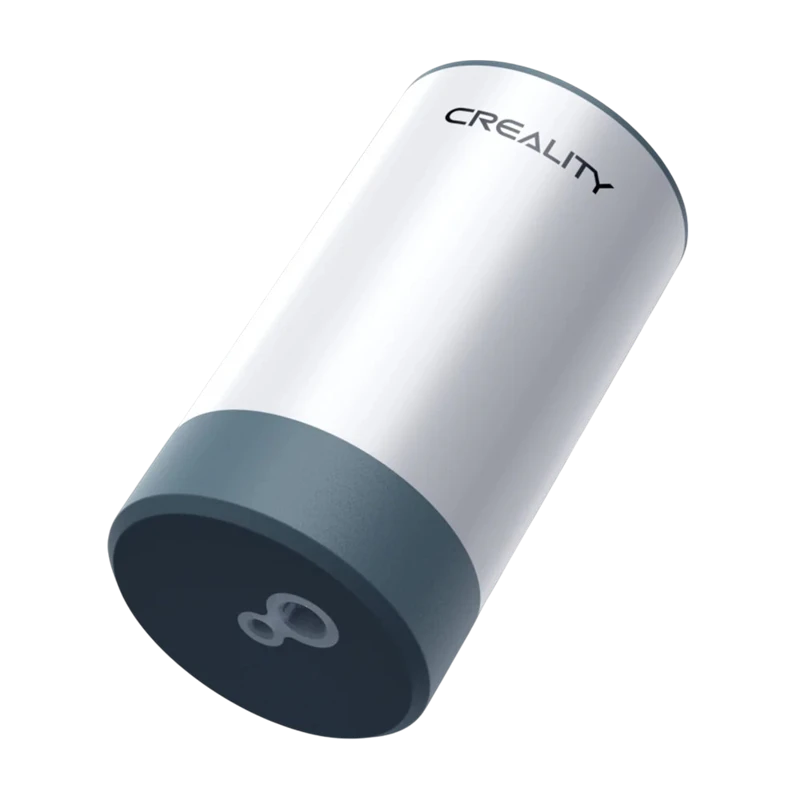
Creality automatic-pump vacuum storage kit

EIBOS EURUS pump and bag kit
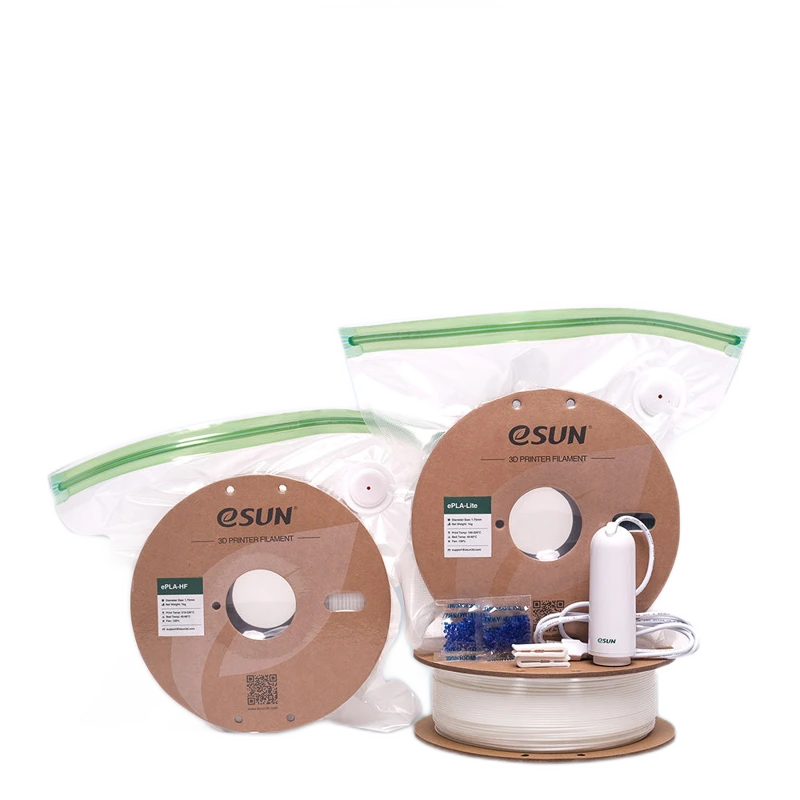
eSUN eVacuum Kit Pro 2
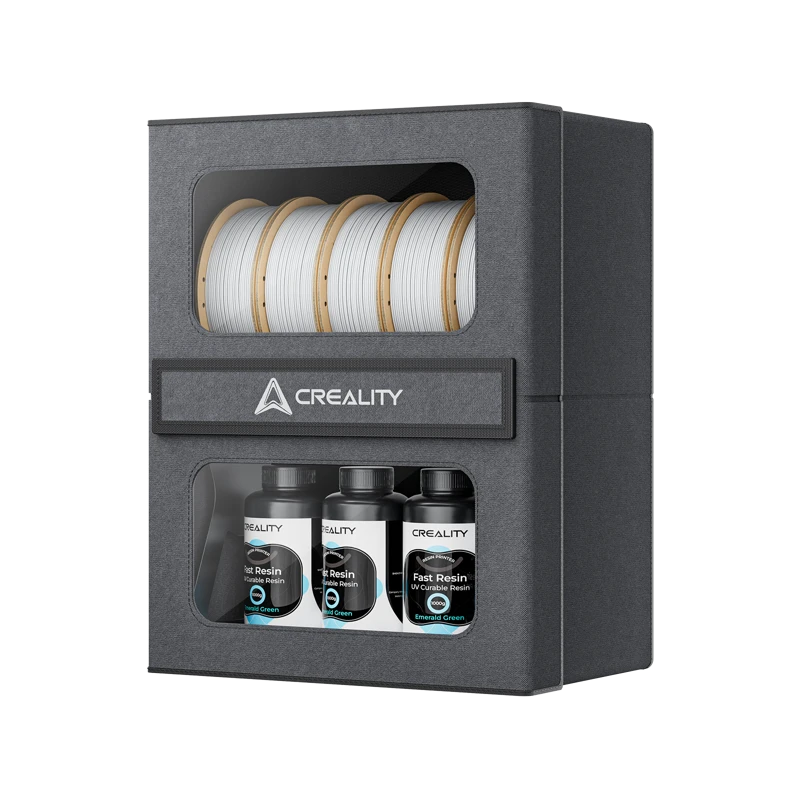
Creality Filament Storage Box (10kg)