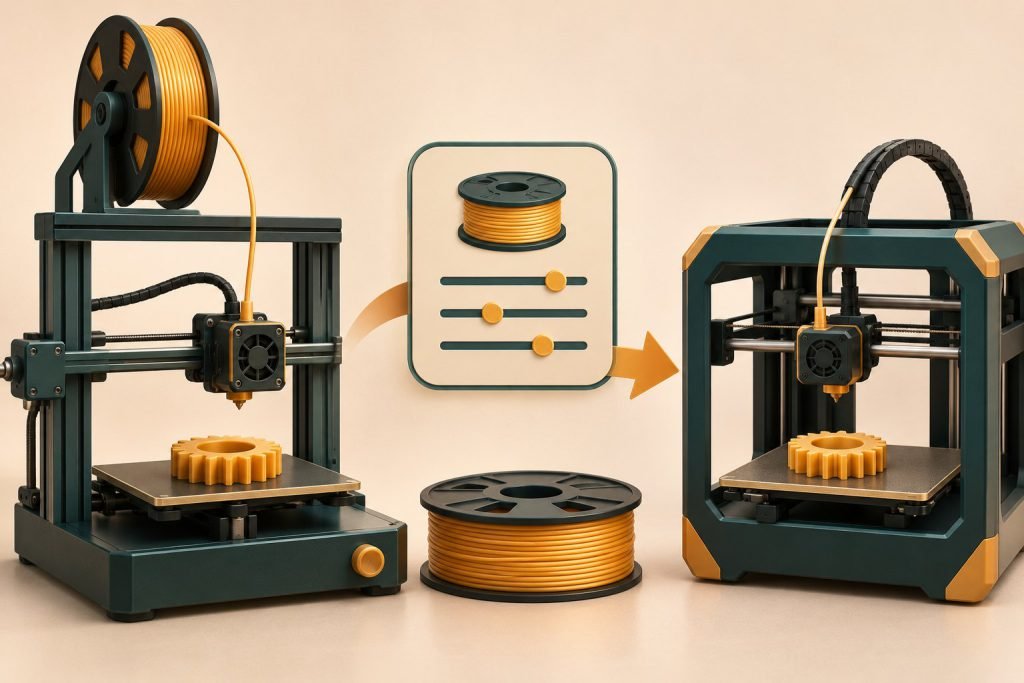
Reuse the profile as a reference, not as proof of compatibility. Keep the new printer’s correct hardware profile and compare the material settings against the exact filament’s instructions.
| Information | Transfer decision |
|---|---|
| Material identity and supplier range | Useful reference for the same exact filament |
| Nozzle and hotend | Must match the new installed hardware |
| Flow limit | Reassess for the new hotend/material combination |
| Retraction and pressure control | Use the new machine’s supported starting settings |
| Bed and cooling | Match the plate, fans and enclosure |
Prusa’s maximum-volumetric-speed documentation explains that flow limits can exist in both print and filament settings. A copied profile may carry a limit that was suitable for a different machine.
Can I send the old G-code?
Reslice using the correct printer configuration. Machine movement, commands and hardware assumptions belong to the target printer. A matching filament name does not make an old print file transferable.
Save a new, clearly named version
- Select the supported printer and installed nozzle.
- Start from an appropriate material preset.
- Compare intentional changes against the old profile.
- Print a small representative sample.
- Save the new profile with the printer and nozzle in its name.
Use the flow-rate explanation when the old speed seems surprisingly optimistic. Keep the original profile intact so a successful setup is not lost during the transfer.